merge album
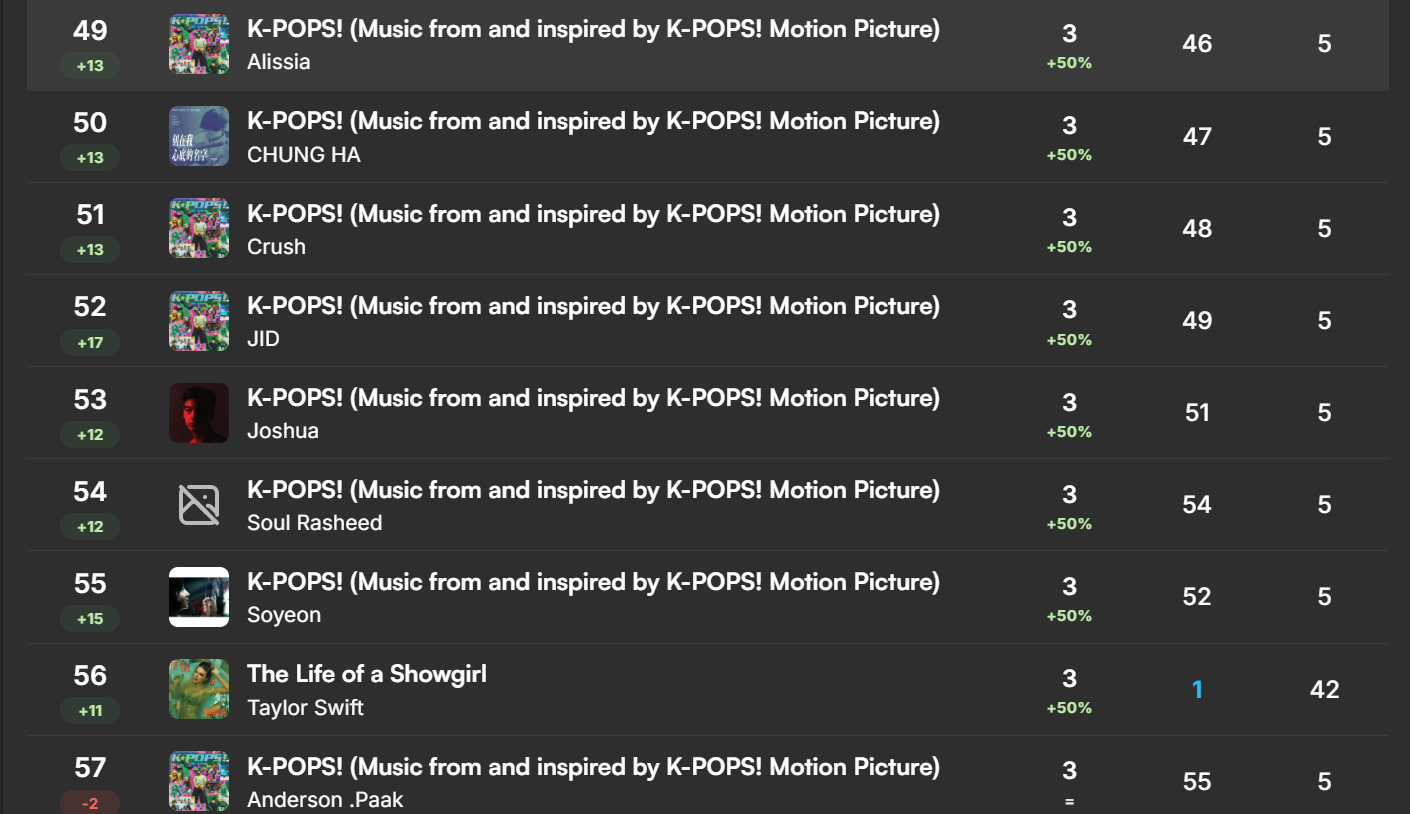
Hi! I noticed that the K-POPS! (Music from and inspired by K-POPS! Motion Picture) soundtrack is split into multiple album entries in this website, with each track credited under its respective artist (Anderson .Paak, CHUNG HA, Crush, JID, etc.). However, on the Live Charts, all of these tracks are compiled into a single album entry.
Is there a way to manually merge these album entries in this website? If so, how? If not, is there any plan to have soundtrack/various artist albums automatically grouped the same way as the Live Charts?
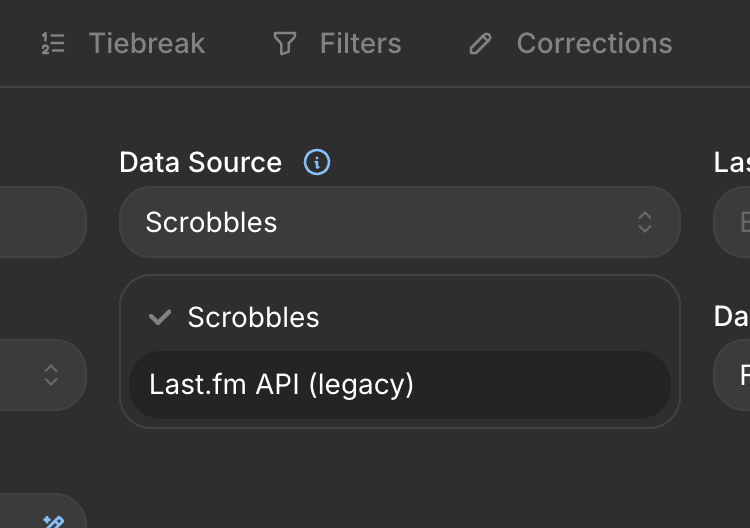
If you're a free user, we recommend you to create your chart using LAST API as the source, cause it won't cause the split as the Scrobbles mode.
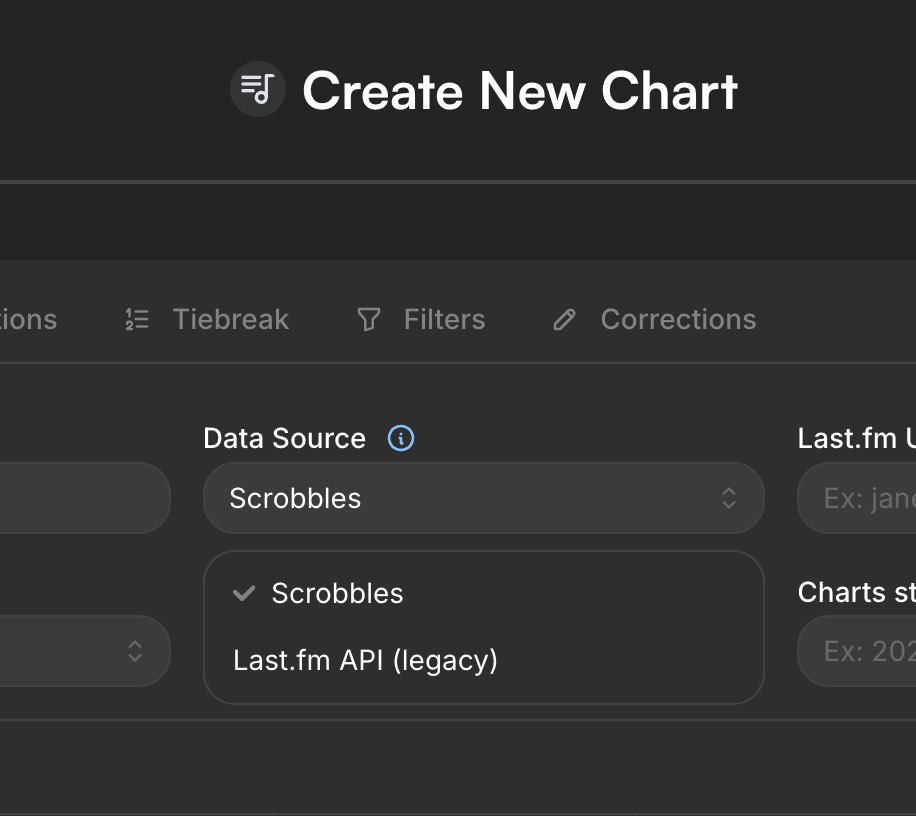
Our merge tool is avaliable only for PRO users:
https://zerocharts.com.br/blog/como-corrigir-multiplos-artistas-em-albuns-ou-musicas
Merlls wrote:
If you're a free user, we recommend you to create your chart using LAST API as the source, cause it won't cause the split as the Scrobbles mode.
Our merge tool is avaliable only for PRO users:
https://zerocharts.com.br/blog/como-corrigir-multiplos-artistas-em-albuns-ou-musicas
after i create my LAST API, what should i do? it still not available.
krmtthwdgl wrote:
after i create my LAST API, what should i do? it still not available.
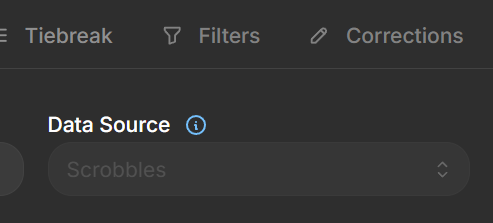
You need to create a new chart. Once a chart has been created, it’s not possible to change its source. Click “Create New Chart” and select the source you want (the Last FM API, in this case).
Closing this one since there were no new replies. If it still happens, just reply here and we'll take a look.