How to merge album versions and correct titles?
Merge
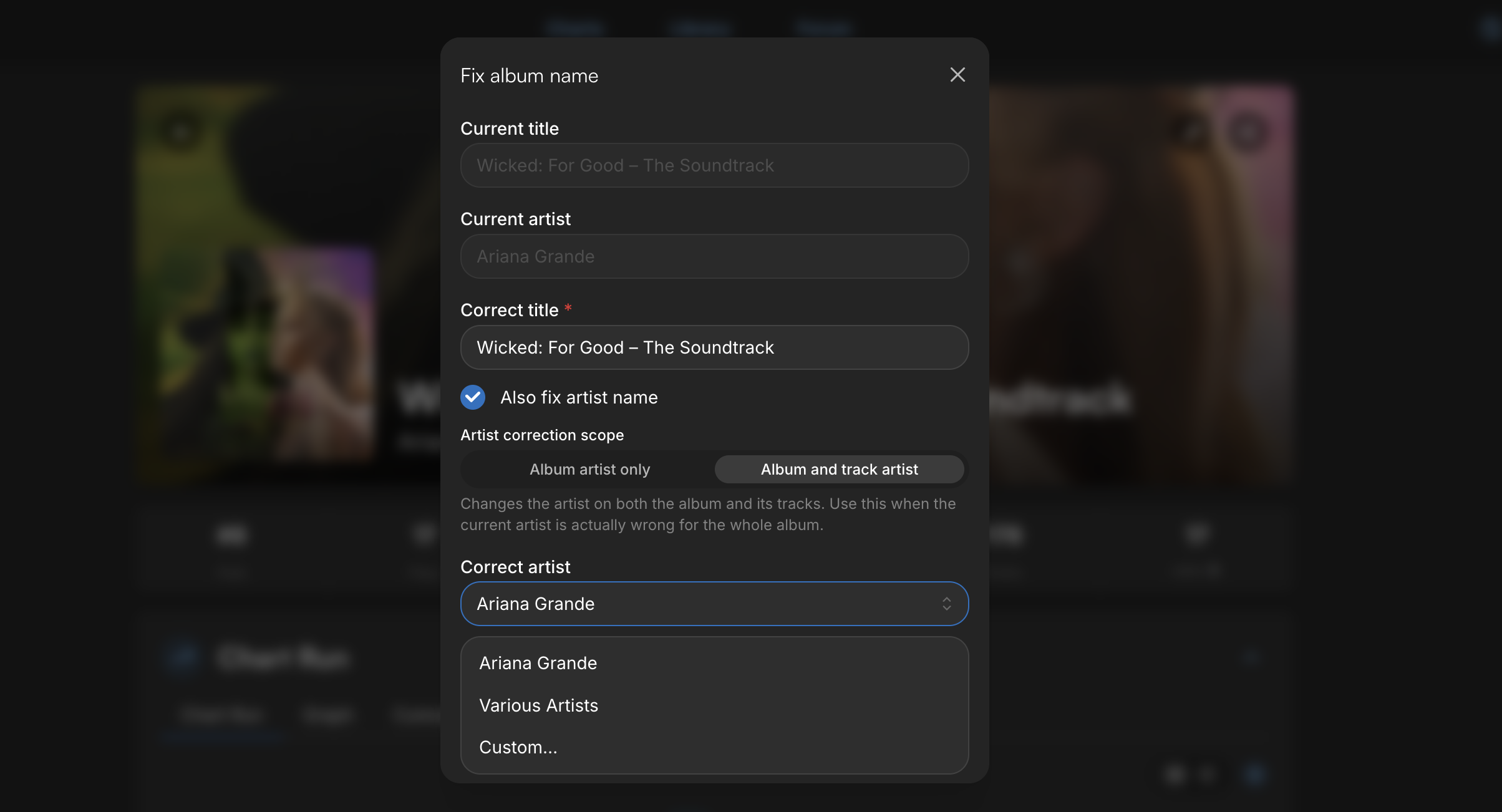
PRO members now have a button that opens the correction page already pre-filled with the current album/song/artist directly from the album, song, or artist page. Just click the pencil icon and then “Correct title”.
Updates
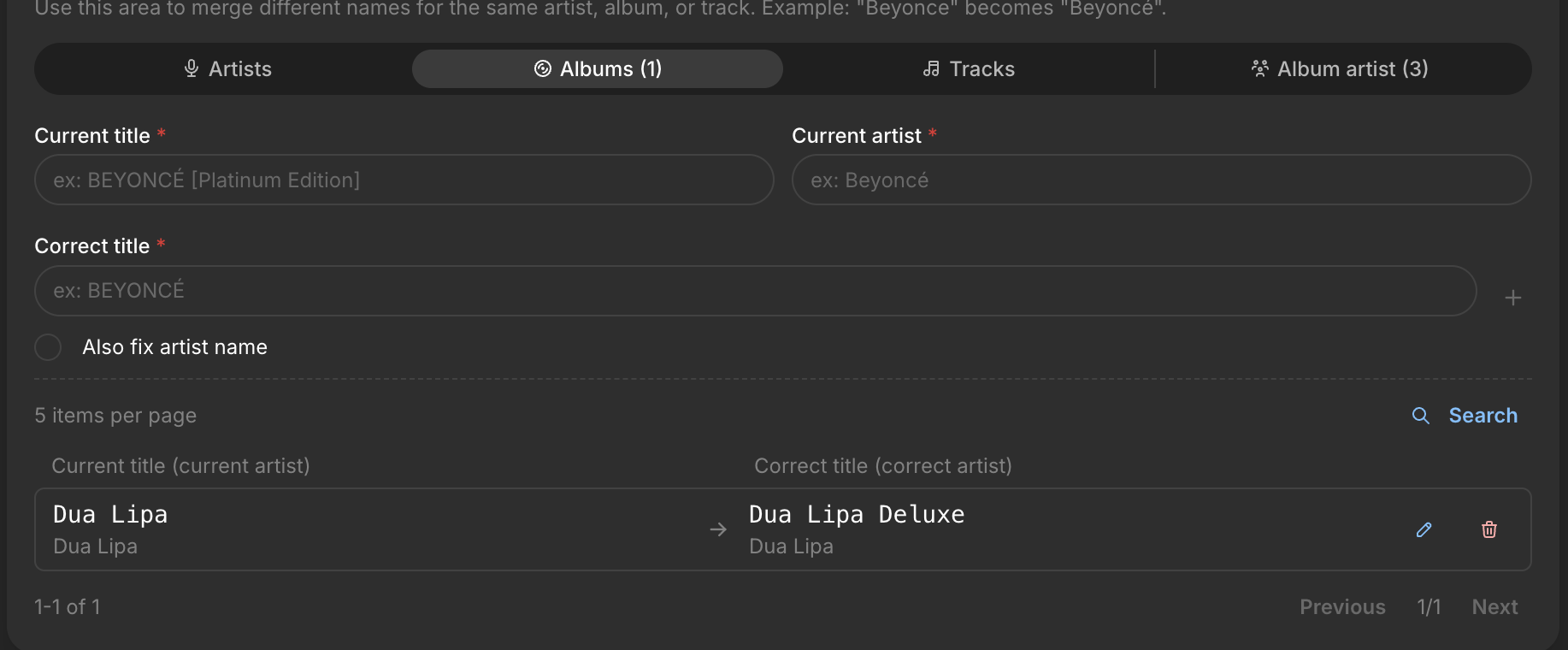
Newest-first sorting: the list is now ordered from newest to oldest.
Edit button: a new pencil icon next to the trash button now lets you edit existing titles without deleting and recreating them.
Artist/Song Separation Fixes
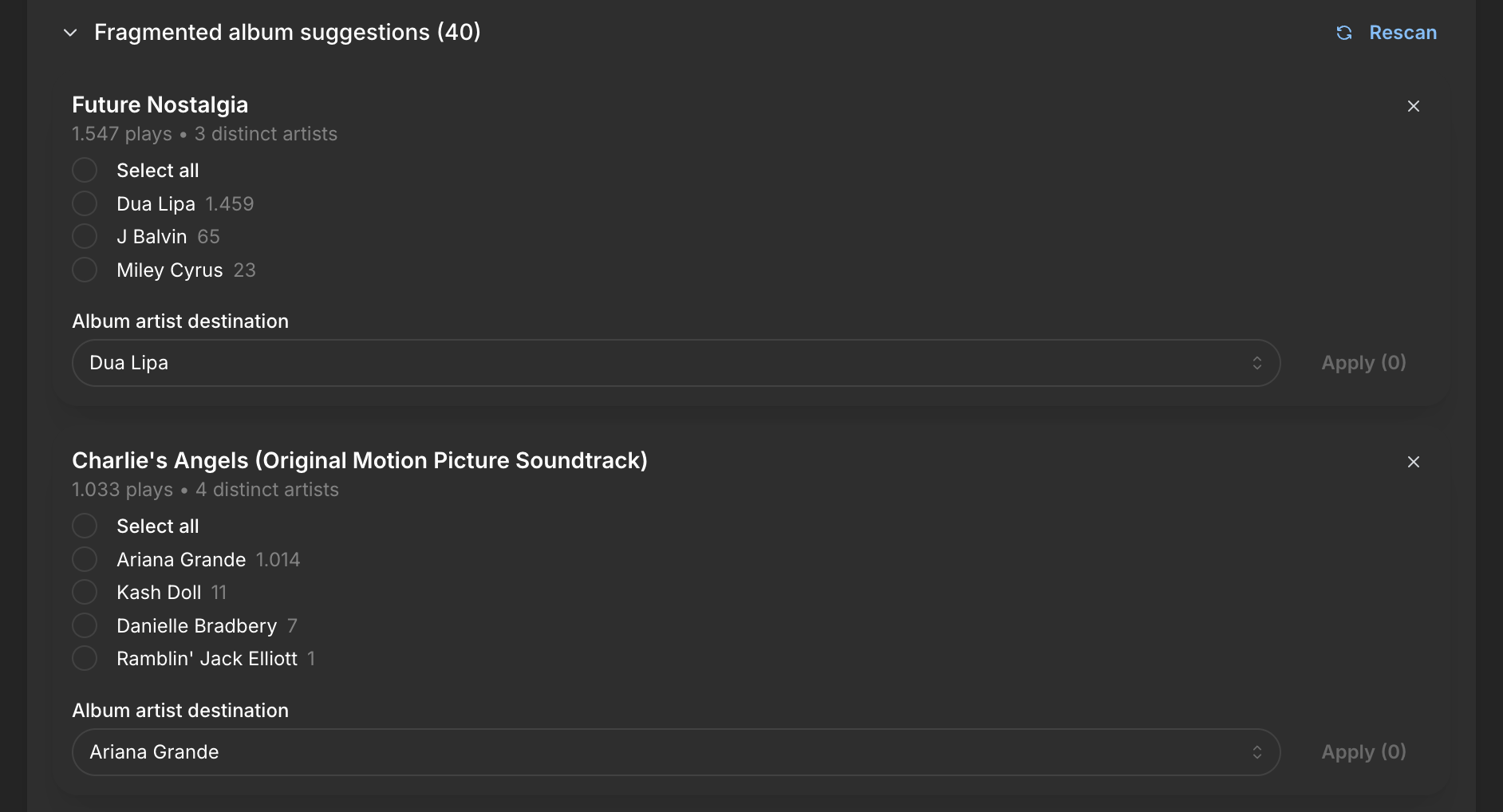
In some cases, artists are being separated from their tracks. This mainly happens when two artists are credited on an album and Spotify tags the featured artist as a main artist. Apple Music users usually edit tags manually and don’t run into this issue.
If your case is the first one, we now have a tool that detects albums credited to multiple artists. You can now merge them together.
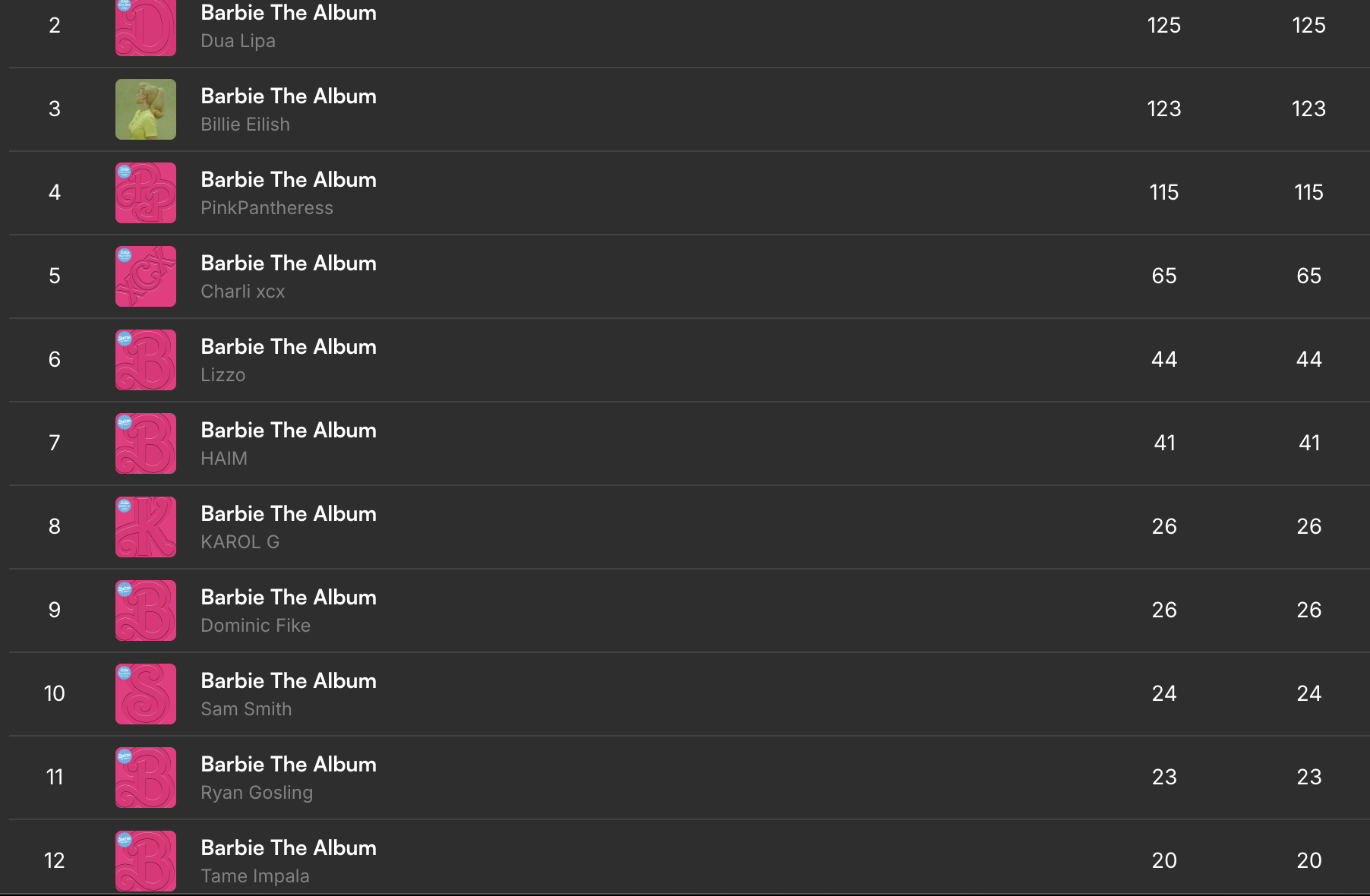
Sometimes the system isn’t perfect and may suggest merging two albums from different artists that happen to share the same title. In that case, simply ignore the suggestion by clicking the X.
Manual Edit Sync Between Devices for PRO Users
All manual corrections made to weekly charts are now synced with our cloud and automatically available across your other devices if you’re a PRO user.
We’ve also updated some interface elements, including the arrows, and the Save button is now located at the top.
Homepage
We’ve started expanding the homepage as part of our ongoing plan to make the site increasingly customizable.
There’s now a settings gear where you can:
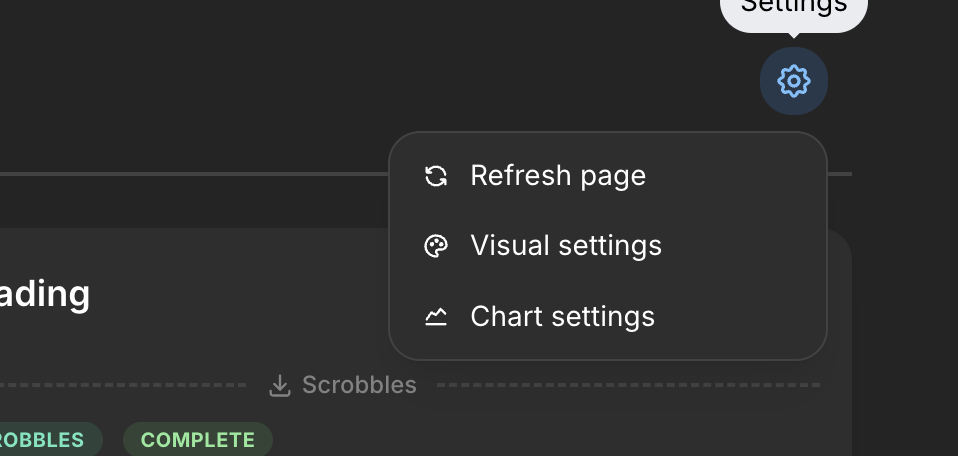
Refresh the page if blocks fail to load
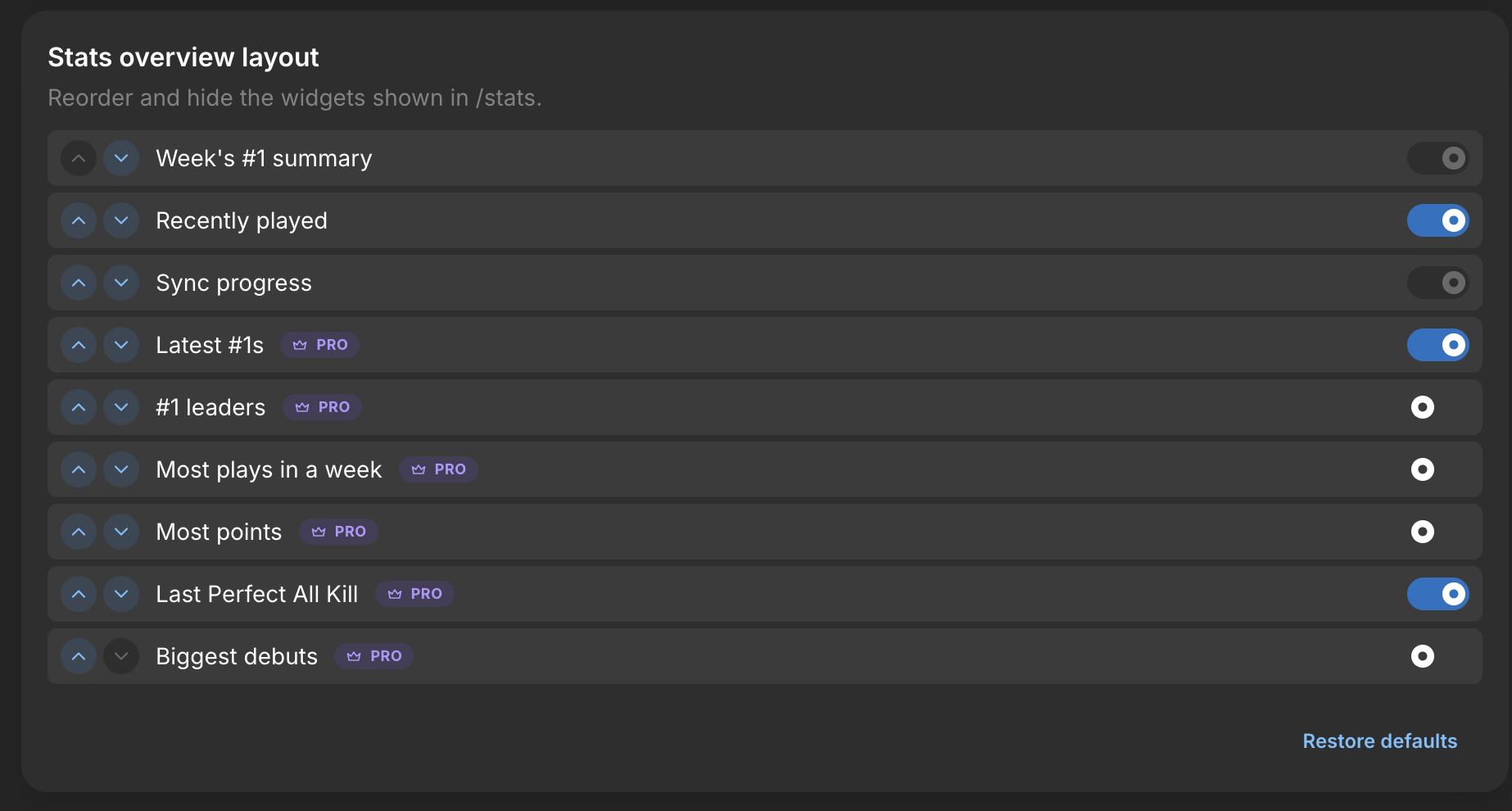
Customize the layout and choose which blocks you want to include or remove
Quickly switch charts without needing to open the user menu
Recently Played Block
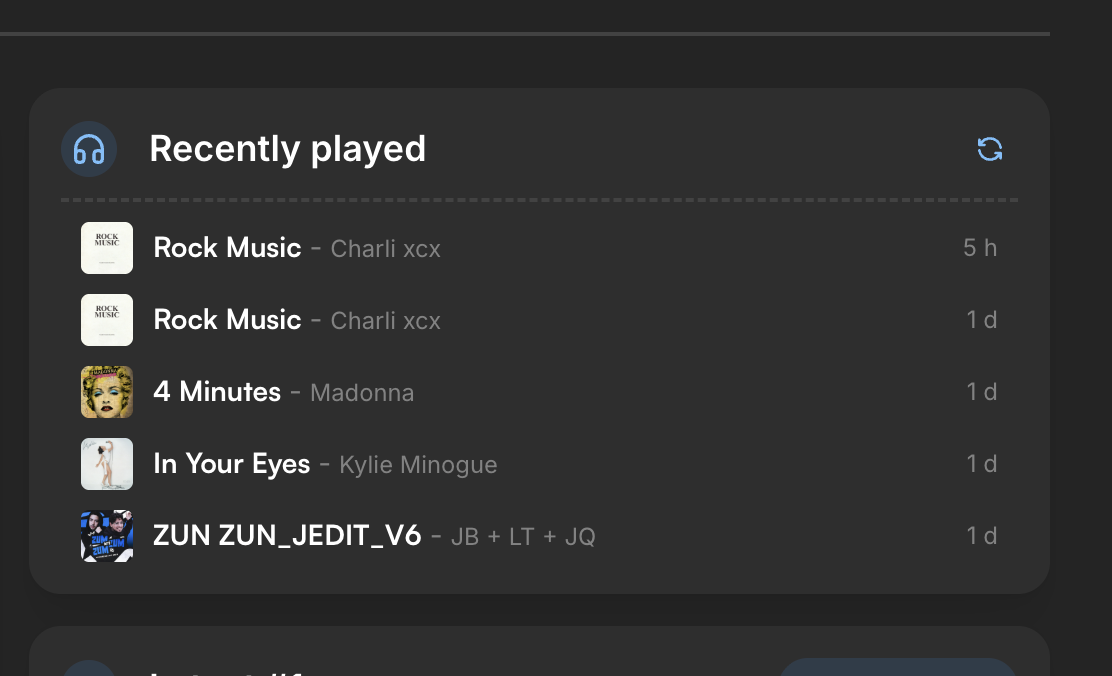
Available for everyone, you can now view your recent Last.fm plays directly on ZERO.
You can also choose which blocks appear on your homepage and remove the ones you don’t want.
More than 10 new options are coming soon, including giant homepage banners, recently certified tracks, and much more!
Small Layout Updates
Very small updates. At the beginning of May, our main focus is fixing bugs and improving existing layouts.
Simple

The Simple discography-sharing layout now includes two new sizes, perfect for sharing on Twitter and forums.
GRID on Charts
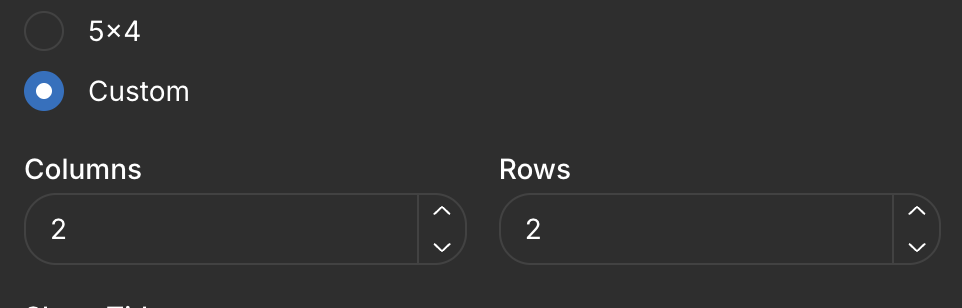
It now includes a customizable option that lets you create grids in any size you want, creating perfect banners for forums or Twitter.
#1s
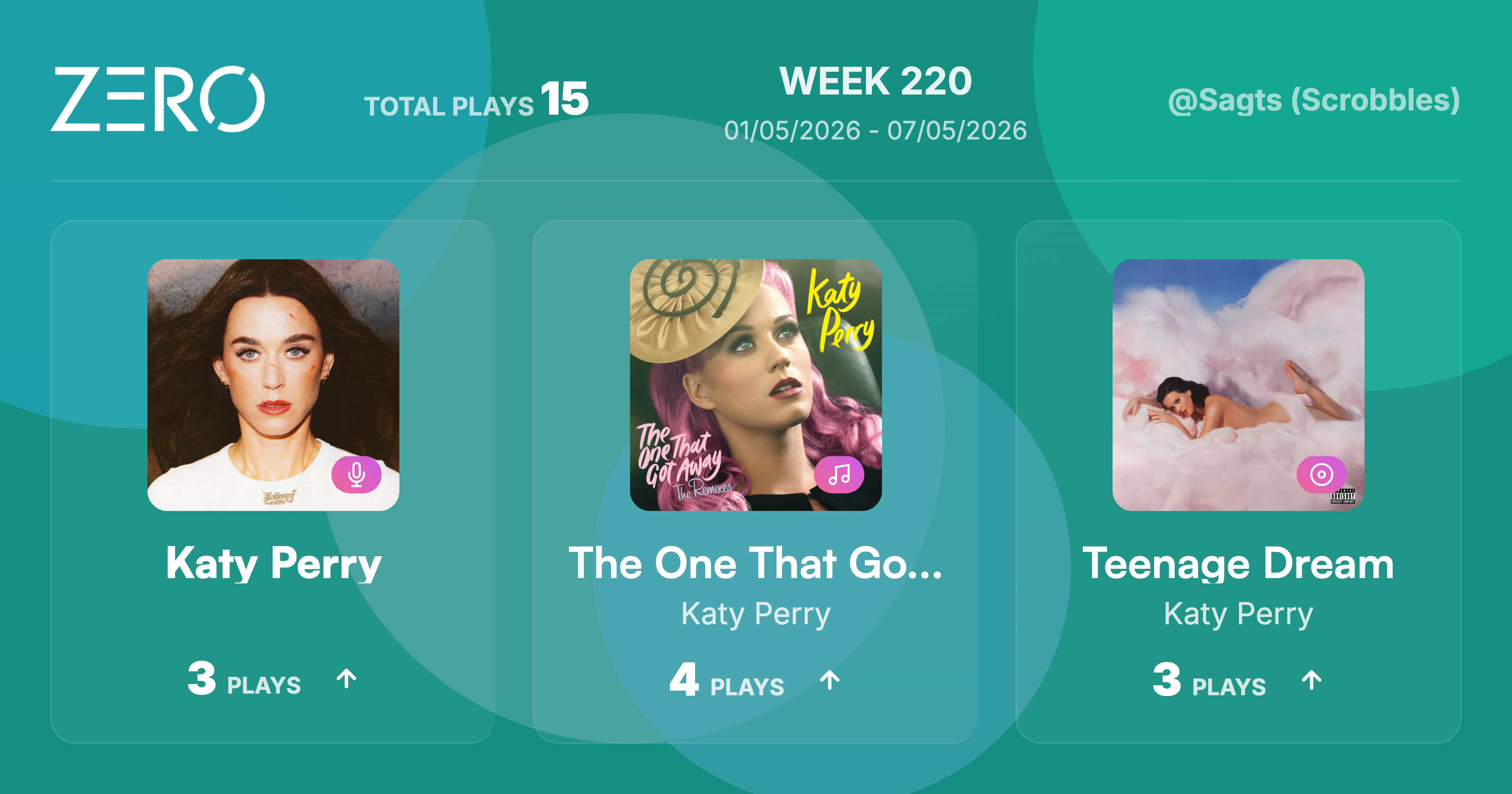
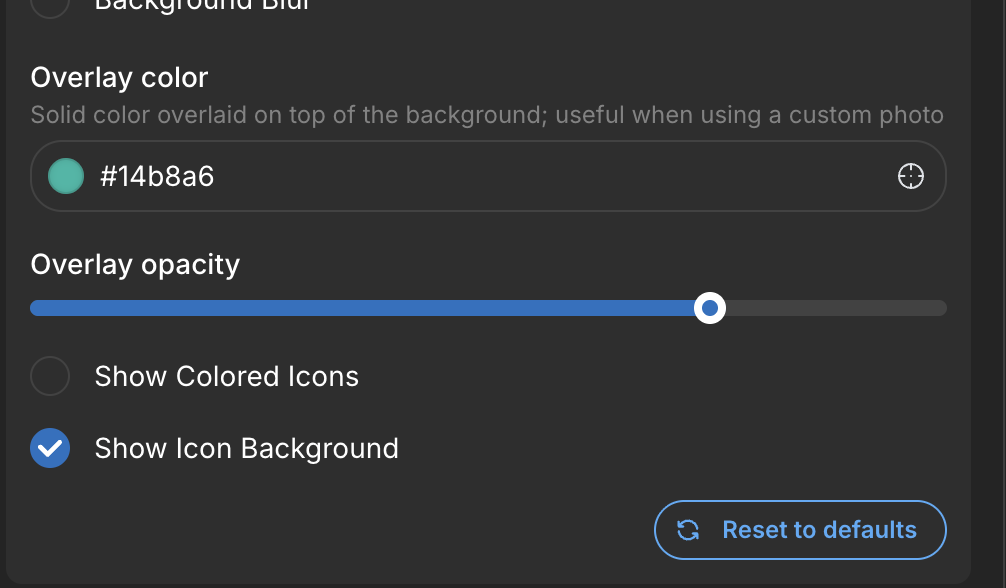
New customization options with opacity controls and icon editing.
GRID on Stats
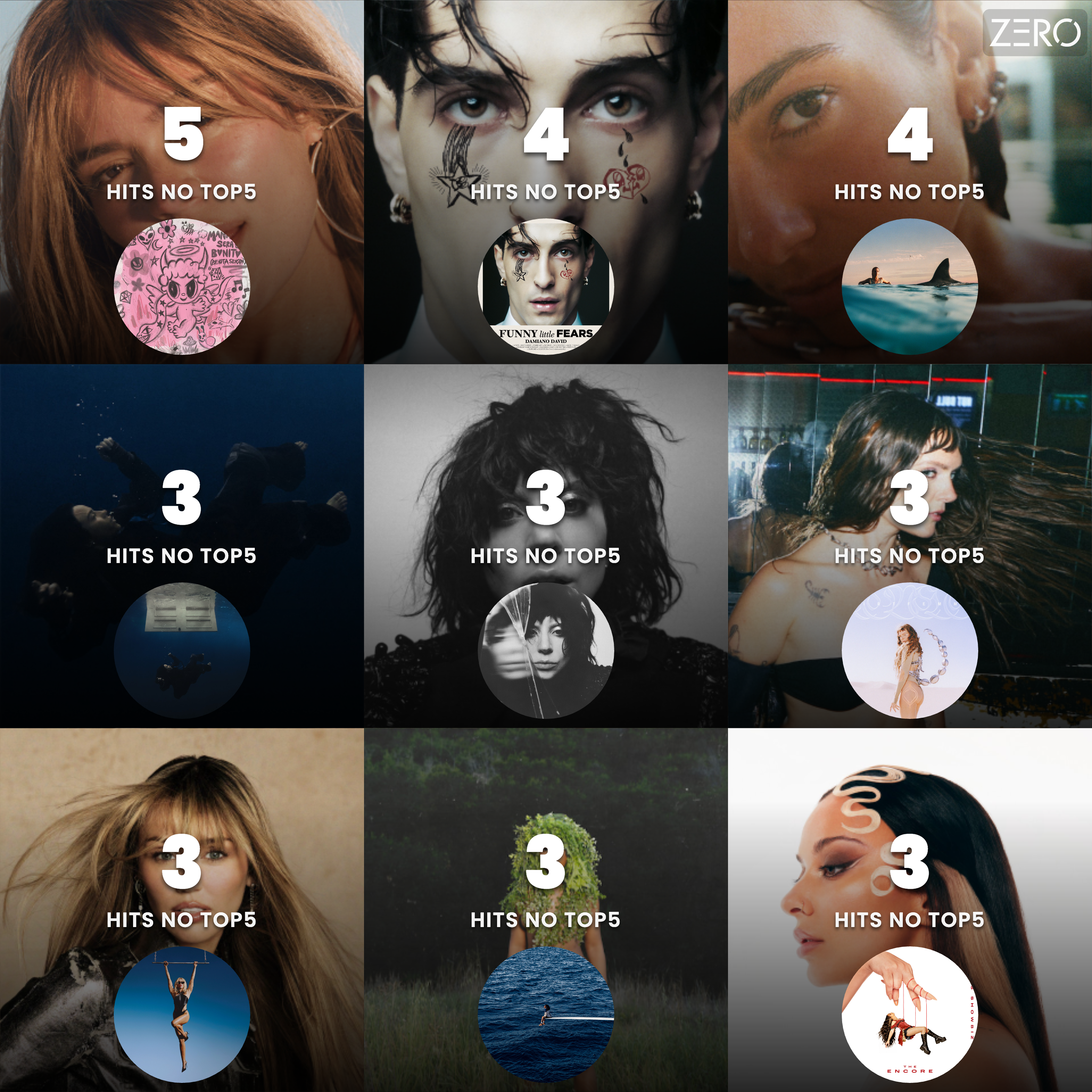
A new square format (called Reddit) and an option for colorless numbers.
Before the end of the month, we’ll be adding new layouts:
Live Chart sharing
Album track sharing, with multiple variations
Multiple text-sharing formats already styled for forums